Logging into Dataworks
Here you will find documentation guides on how to use the Dataworks portal, and other relvant guides.
Logging In
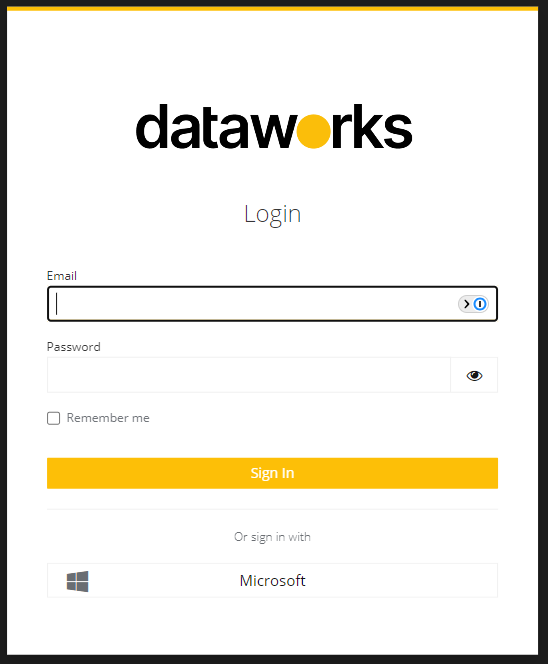
The url for the portal is https://mydata.works. Logging in is done via Azure SSO.
Prerequisites
You may need your IT department to add an azure application so we can use SSO to login. An Azure global administrator needs to use this log in, https://login.microsoftonline.com/common/adminconsent?client_id=4a315795-8263-4f81-b6ad-94206be3ecad and approve the application to use microsoft log in on behalf of the whole organisation.
Once this has been completed, you will be the front page of the portal. If there are any links that are not visible to you, but you believe they should be, please contact your project manager who will be able to resolve this for you.